
What are QR Codes? QR stands for Quick Response code, as scanning the 2D “code” will provide a response to:
a website; a voice message, a video, a text message (anything alphanumeric), a Google map, wifi login, slidehows, YouTube clips, etc. So they are VERY handy items to make and have in your teaching arsenal! QR codes for the classroom are a simple, low-cost way to hand students a link, a file or a message without typing out a long URL.
Scanning and Making QR Codes for the Classroom
So, how do you scan a QR Code? Look on either Google Play or the App Store. I suggest i-nigma as it is free and has a high scan rate.

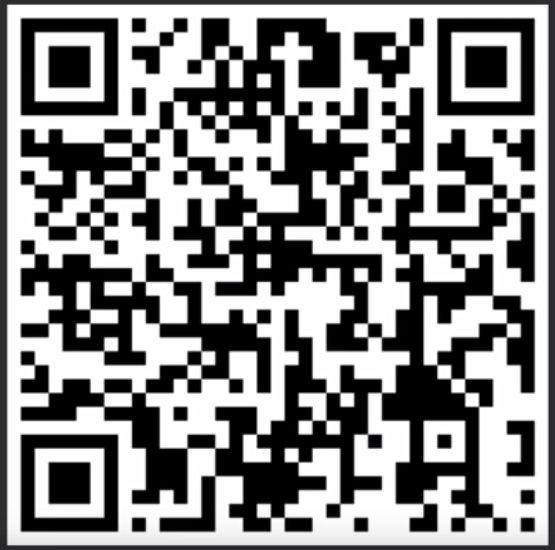

For example, if you scan the blue QR code above, it contains the URL to this website. Teachers can, therefore, easily prepare QR codes to enable students (especially younger students) to access specific websites, even if they have elongated URLs.
So, how do you make a QR Code? There are plenty of QR Code generators on the internet which
You can find out more about how to use QR Codes on my Pinterest page.
Please read the subsequent post on how to create an audio QR Code.